
Microsoft 365 Services Denver
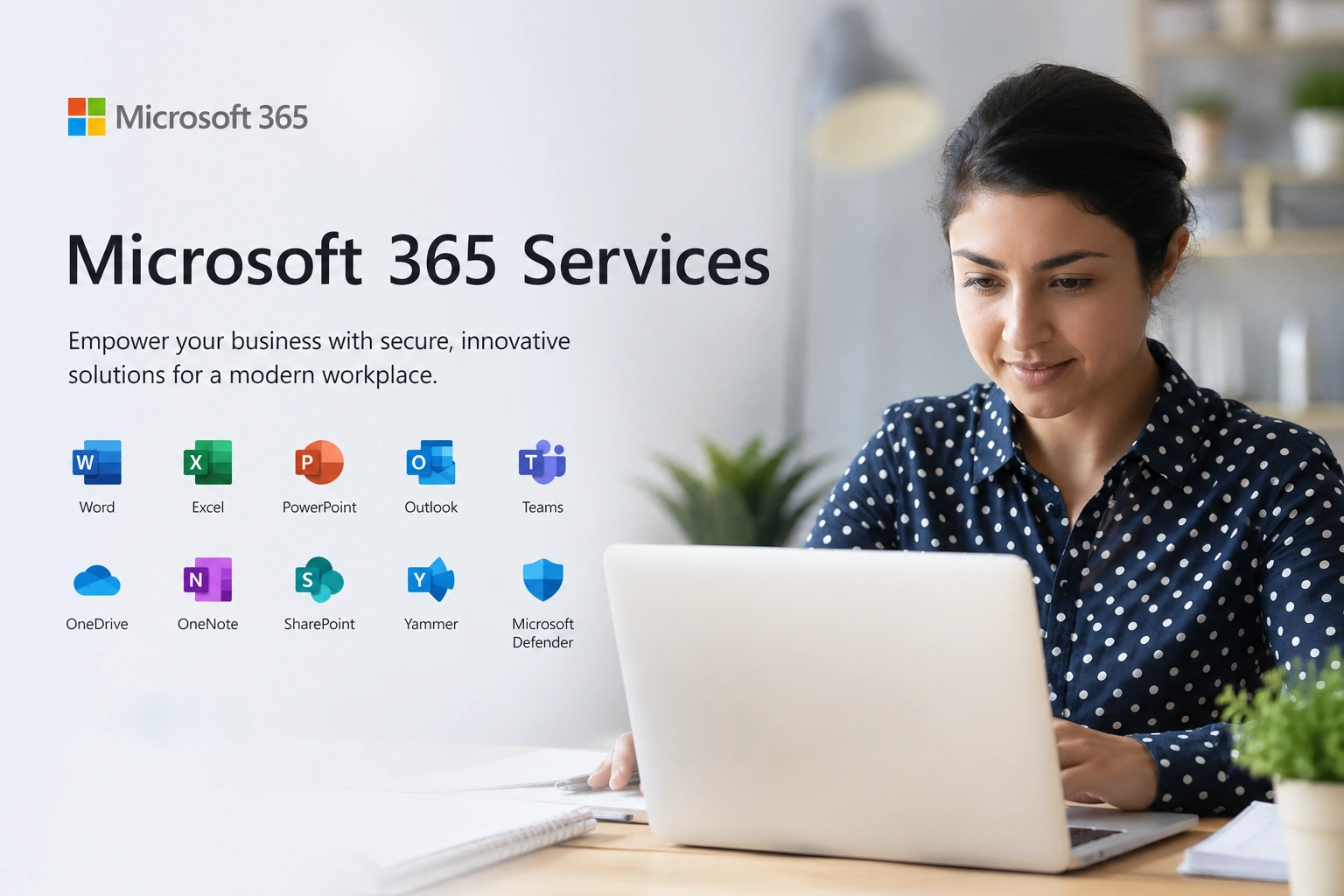
Most Denver businesses are paying for Microsoft 365 every month without getting close to what it is capable of delivering. The licenses are active. The email works. But the collaboration tools are underused, the security settings are at their defaults, the data governance policies have never been configured, and the platform is essentially functioning as a more expensive version of what it replaced. The gap between a Microsoft 365 environment that was simply turned on and one that has been professionally deployed, secured, and managed is significant, and it shows up every day in the way your team communicates, collaborates, and handles sensitive information.
TSI Colorado has been helping Denver-area businesses get full value from their Microsoft 365 investments since the platform's earliest iterations. As a trusted IT company serving the Front Range since 2002, our Microsoft 365 practice is grounded in more than two decades of practical experience deploying, migrating, securing, and managing Microsoft environments for businesses across Colorado. We know what works, what gets misconfigured, and what separates a Microsoft 365 environment your team loves from one they tolerate.
Our Completed Microsoft 365 Services Include:
TSI Colorado's Microsoft 365 services cover the full lifecycle of your environment, from initial licensing and migration through ongoing administration, security management, and user support. As part of our comprehensive managed IT services program, Microsoft 365 management is not treated as a standalone product. It is integrated into the broader management of your technology environment so that your cloud platform, your network security, your device management, and your user support all work together as a unified system rather than a collection of disconnected tools.
01
Microsoft 365 Licensing and Plan Selection
Choosing the right Microsoft 365 plan is more consequential than most Denver businesses realize. Underbuying means your team lacks the collaboration, compliance, or security capabilities they need. Overbuying means you are paying for features that sit unused. TSI Colorado conducts a thorough needs assessment before recommending any licensing, ensuring your plan matches your team size, your workflow requirements, your compliance obligations, and your budget. We manage procurement through our Microsoft partner relationship and handle renewals, license adds, and removals on an ongoing basis so your licensing always reflects your actual operational footprint.
02
Migration to Microsoft 365
A Microsoft 365 migration that has not been carefully planned and tested is one of the most disruptive IT events a Denver business can experience. Missing emails, corrupted calendar data, broken shared drives, and a workforce that was not prepared for the change are all common consequences of migrations that were rushed or poorly executed. TSI Colorado manages every stage of your migration with a zero-data-loss methodology, whether you are moving from Google Workspace, a legacy on-premises Exchange environment, an old hosting provider, or a previous Microsoft 365 tenant that was not set up correctly. Every migration includes pre-migration testing, a detailed cutover plan, and post-migration validation before we consider the project complete.
03
Exchange Online and Email Configuration
Email is where the majority of business-critical communication happens, and a poorly configured Exchange Online environment affects every person in your Denver organization every single day. TSI Colorado configures your Exchange Online setup with the authentication standards, anti-spoofing protections, shared mailbox structures, distribution lists, and retention policies that your business requires. We set up DMARC, DKIM, and SPF records to protect your domain reputation, configure Microsoft Defender for Office 365 to intercept phishing and malware before it reaches your team, and maintain your email environment on an ongoing basis so its security and reliability never drift out of alignment.
04
Microsoft Teams Deployment and Governance
Microsoft Teams is the most powerful collaboration tool in the Microsoft 365 suite, and also the one most frequently deployed without any thought given to governance, structure, or user adoption. Without a deliberate architecture, Teams becomes a sprawling mess of redundant channels, inconsistent naming conventions, and confused employees who eventually stop using it altogether. TSI Colorado designs your Teams deployment around how your Denver organization actually communicates, building a channel structure, permission model, meeting policy, and external access configuration that supports real workflows rather than accommodating the platform's defaults. For businesses replacing traditional phone systems, our Teams Voice implementation brings your calling environment into the same managed platform as your messaging and meetings.
05
SharePoint Online and Document Management
SharePoint Online is where Microsoft 365's document management promise either delivers or falls apart, depending entirely on how it was set up. TSI Colorado designs SharePoint environments that replace cluttered shared drives with a structured, searchable, permission-controlled document management system that actually reflects how your Denver team organizes and accesses information. We build site architectures, configure document libraries, set up metadata and search, and implement external sharing policies that protect sensitive files without obstructing legitimate collaboration. Pair this with our vendor management services, and you have a technology environment where every system, every platform, and every third-party integration is managed as a coherent whole.
06
OneDrive for Business Configuration
OneDrive for Business gives every employee in your Denver organization a secure, cloud-synced personal file storage space that replaces the vulnerability of local-only saves with cloud-backed reliability. TSI Colorado deploys OneDrive with Known Folder Move configured so that each employee's Desktop, Documents, and Pictures folders are automatically backed up to the cloud without any action required from the user. As part of a broader cloud computing strategy, we set external sharing policies, enforce access controls, and integrate OneDrive into your overall data protection framework. This ensures files are not only protected and accessible from anywhere, but also governed consistently across your entire workforce.
07
Microsoft 365 Security Hardening
A Microsoft 365 tenant fresh out of the box is not a secure environment. The default settings Microsoft ships are designed to make the platform accessible and easy to start using, not to protect your Denver business against the threats it actually faces. TSI Colorado hardens every Microsoft 365 environment we manage against identity-based attacks, phishing, data exfiltration, and unauthorized access. We enforce Multi-Factor Authentication across all accounts, configure Conditional Access policies that restrict login based on device compliance and location, activate and tune Microsoft Defender for Office 365, set Data Loss Prevention rules to prevent sensitive data from leaving your environment, and configure audit logging so your organization has a complete record of user and admin activity. These are not optional security enhancements. They are the baseline every Denver business operating in Microsoft 365 requires. Our cybersecurity services team works in direct coordination with your Microsoft 365 environment to ensure your cloud security posture is aligned with your on-premises defenses.
08
Microsoft Intune and Device Management
When your Denver team works across multiple locations, devices, and home networks, enforcing consistent security standards becomes a genuine operational challenge. Microsoft Intune solves it by giving TSI Colorado the ability to manage every device that accesses your Microsoft 365 environment, whether company-owned or personal, Windows or Mac, mobile or desktop. We enroll devices, enforce compliance baselines, deploy applications remotely, and integrate Intune with your Conditional Access policies so that only healthy, managed devices can reach your business data. If a device is lost or stolen, we can wipe it remotely before your data is compromised.
09
Ongoing Microsoft 365 Administration and Help Desk
Deploying Microsoft 365 correctly is the beginning of the work, not the end of it. Your environment requires continuous administration to stay secure, compliant, and aligned with your evolving team. TSI Colorado provides ongoing Microsoft 365 administration as part of our managed services program, handling new user provisioning, license management, Teams governance, mailbox configuration changes, security policy updates, and the full range of day-to-day administrative tasks that a growing Denver business generates. Our IT helpdesk team supports your end users on Microsoft 365 questions and issues, ensuring your entire workforce gets the help they need quickly and without frustration.
10
Microsoft 365 Training and User Adoption
Technology adoption is a people problem as much as a technology problem. If your Denver team does not know how to use Microsoft 365 effectively, even the best-configured environment will underperform. TSI Colorado provides practical, role-appropriate training for your staff, covering the tools they use most and showing them how those tools can make their daily work faster and easier. We offer on-site workshops, remote training sessions, and recorded content your team can reference during onboarding, ensuring that your Microsoft 365 investment pays off through consistent, confident usage rather than reluctant workarounds.
What a Poorly Managed Microsoft 365 Environment Costs Denver Businesses
The costs of a Microsoft 365 environment that was never properly deployed or is not being actively managed rarely show up as obvious failures. They distribute themselves across the organization as quiet friction: collaboration tools that nobody uses because they were never set up well, security incidents that trace back to a misconfigured tenant nobody was monitoring, compliance exposures discovered during an audit nobody anticipated, and licensing bills that do not reflect what is actually being used.
- Security breaches from default configurations: Attackers specifically target Microsoft 365 tenants with default security settings because they know MFA is often disabled, Conditional Access is absent, and there is no DLP policy preventing sensitive data from being emailed to personal accounts.
- Compliance failures in regulated industries: Denver businesses in healthcare, financial services, and legal are subject to strict data governance requirements. A Microsoft 365 environment without proper retention policies, DLP rules, and audit logging is a compliance liability waiting to surface.
- Migration failures and data loss: Rushed or unplanned migrations leave businesses with missing email threads, corrupted calendar data, and broken integrations that take weeks of expensive remediation work to recover from.
- Wasted licensing spend: Many Denver businesses are paying for Microsoft 365 Business Premium while using it at the feature level of Business Basic. Without active license management, you pay for capabilities you never activate and miss the security tools that are already included.
- Low adoption and shadow IT: When Teams and SharePoint are poorly configured, employees route around them using personal file sharing, consumer messaging apps, and email attachments, creating security risk and collaboration inefficiency simultaneously.
Why Denver Companies Are Choosing Our Microsoft 365 Services
- Front Range expertise since 2002: TSI Colorado has been managing Microsoft environments for Colorado businesses for more than two decades. We have guided organizations through every major platform transition and know the Denver business landscape, its industries, and its compliance requirements in depth.
- Certified Microsoft expertise: Our team holds Microsoft certifications across the M365 suite and stays current with platform updates so your environment is always managed against current best practices, not last year's configuration standards.
- Personalized deployment, not templates: Every Denver business TSI Colorado works with has a different structure, a different compliance posture, and a different set of collaboration needs. We design every Microsoft 365 environment around your specific reality rather than applying a generic configuration that was built for a different type of organization.
- Flat-rate pricing with no hidden costs: Microsoft 365 management from TSI Colorado is priced at a flat monthly rate with no per-ticket charges, no overage fees, and no surprises. You know exactly what you are paying for and exactly what is covered.
- Integrated technology management: Because TSI Colorado manages your network, your endpoints, your security, and your Microsoft 365 environment together, every layer of your technology stack is aligned. Changes in one area are reflected appropriately across the others, and nothing falls into the gap between platforms.
Get More From Your Microsoft 365 Investment
If your Denver business is paying for Microsoft 365 but not getting full value from it, TSI Colorado can change that. From migration planning and security hardening to ongoing administration and end-user training, we manage every aspect of your Microsoft 365 environment, so your team works better, your data stays protected, and your investment actually delivers what it was supposed to.
Contact TSI Colorado today to schedule your free introductory call online. We will take the time to listen, assess your Microsoft 365 environment, and show you exactly where the gaps are and how to close them.
How can we help?
Whether you need immediate help with an IT issue or want to discuss your long-term IT strategy, our team is here to help.
Call us at (719) 266-3007 or complete the form below and we'll help in any way we can.
